
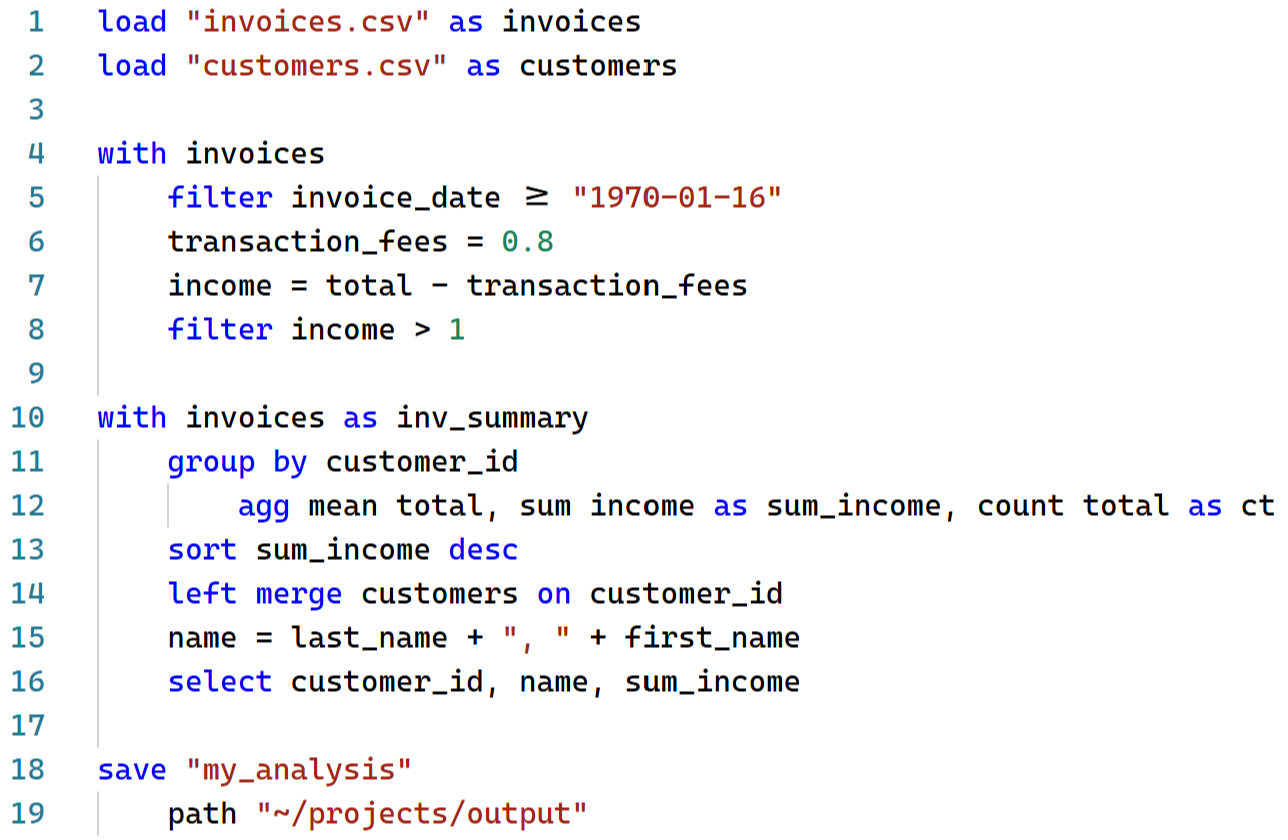
Syntax
Python data pipelines,
without the boilerplate
Write data transformations in concise, readable Pivotal syntax and run against common Python data backends (Pandas, Polars, DuckDB).
with players
    left merge results on player
    filter minutes >= 900
    goals_per_90 = goals / minutes * 90

with players as scoring_rates
    group by player
        agg mean goals_per_90
    sort goals_per_90 desc
players = players.merge(results, how="left", on="player")
players = players[players["minutes"] >= 900].copy()
players["goals_per_90"] = players["goals"] / players["minutes"] * 90
scoring_rates = players.groupby("player")["goals_per_90"].mean()
scoring_rates = scoring_rates.reset_index()
scoring_rates = scoring_rates.sort_values("goals_per_90", ascending=False)Install
Getting started
Install the Pivotal language and JupyterLab extension with pip, and the
VS Code extension
via marketplace.
pip install pivotal-lang pivotal-labNotebook and editor support
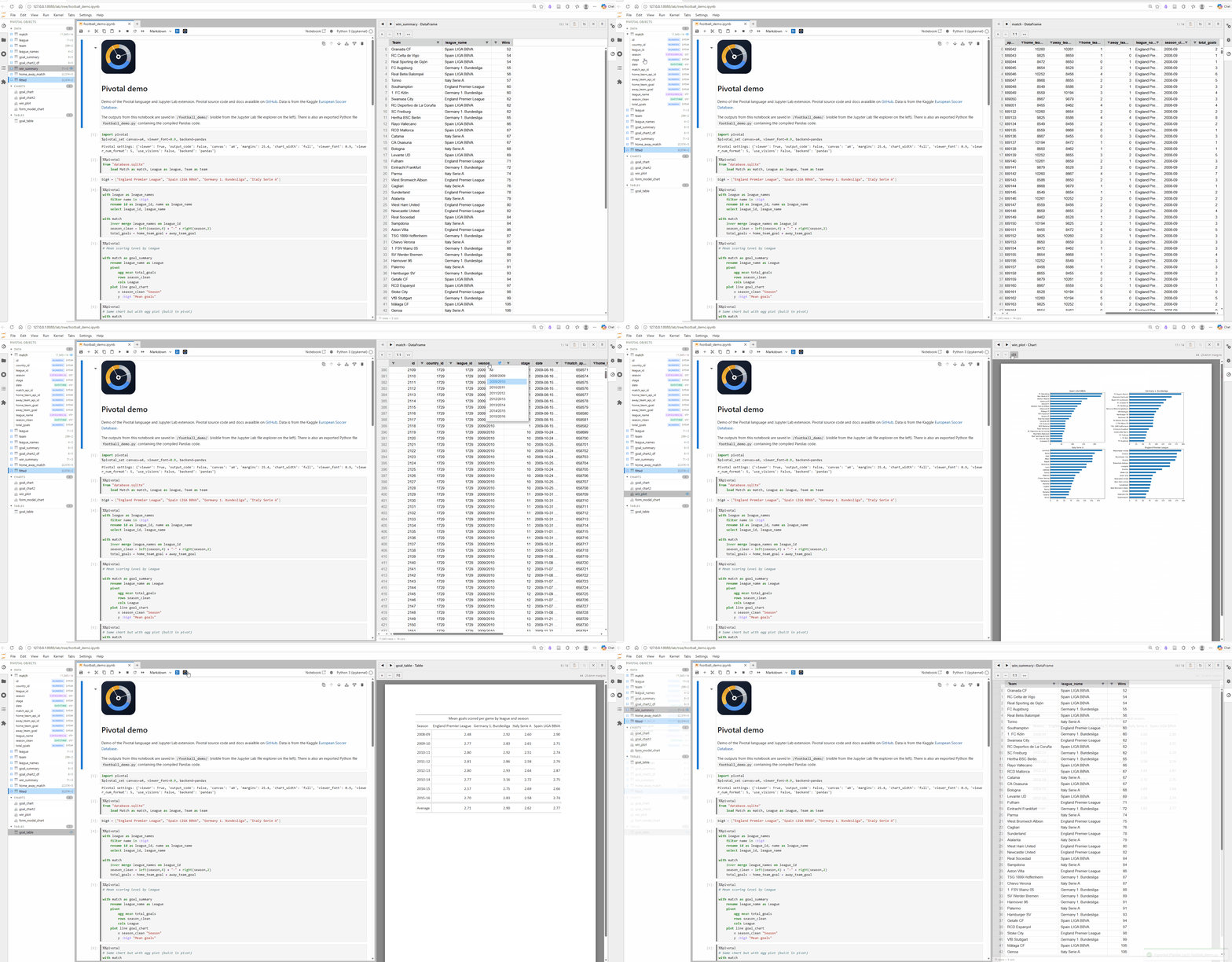
Use Pivotal in Jupyter and VS Code
Use Pivotal in either Jupyter Notebooks or VS Code with syntax highlighting, autocomplete, and visual data explorer.
MCP server
Generate Pivotal code with AI
Connect the public Pivotal MCP server to your AI agent, giving it access to concise Pivotal syntax descriptions, full Pivotal documentation, code generation checks and highlighting. Local MCP servers expose further execution and comparison tools for private data.
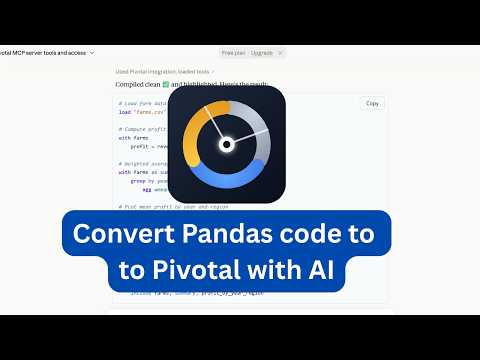 Watch the Claude MCP demo